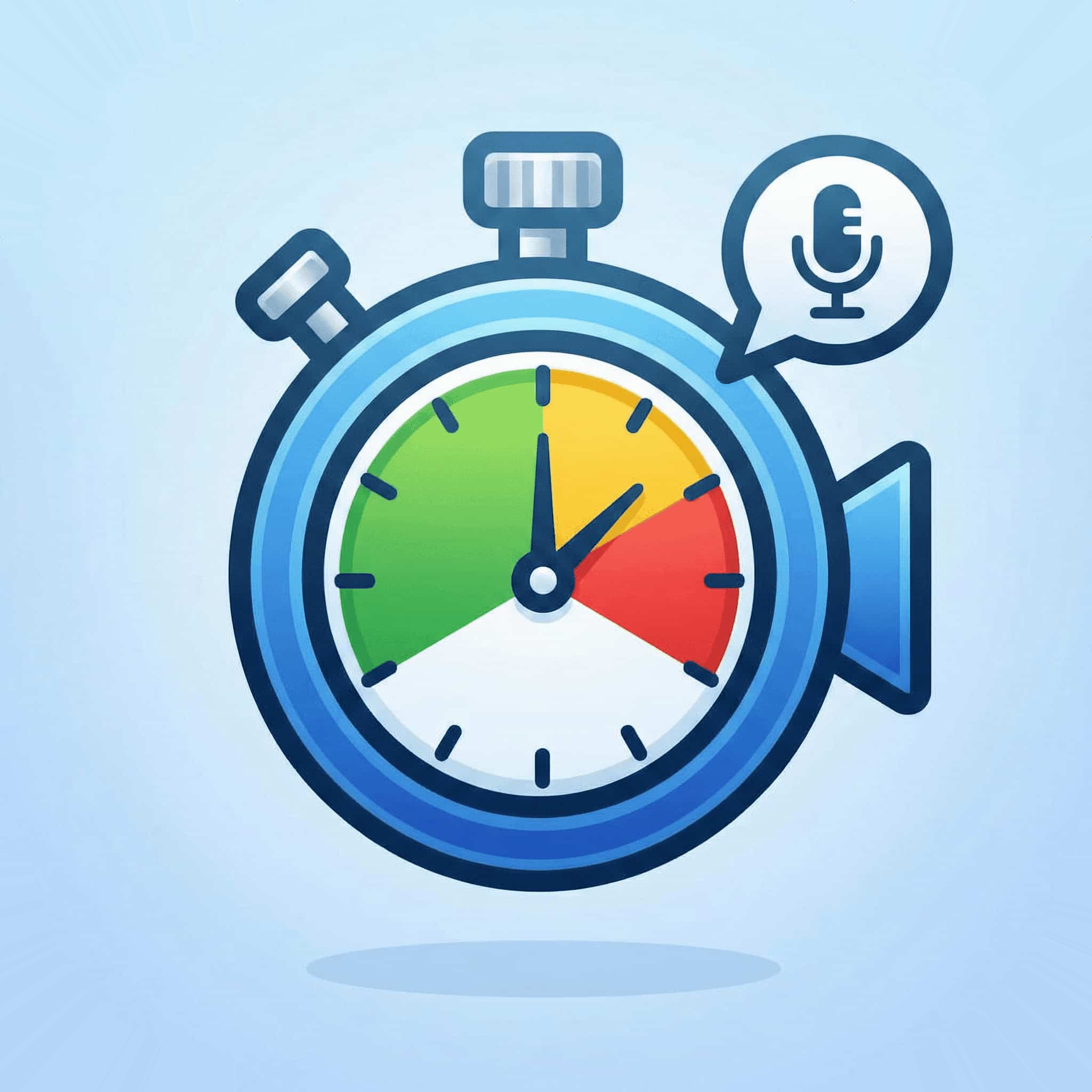
Table Topics Time Limit & Timer
Last updated 3 October 2026
A Toastmasters Table Topics response runs 1 to 2 minutes. The Timer shows green at 1:00, yellow at 1:30, and red at 2:00. A 30-second grace period follows red, so a response is still eligible for the Best Table Topics award up to 2:30 and is disqualified from 2:31. Finishing before green at 1:00 also removes award eligibility.
The green band is the run-up to the minimum; the green signal appears at 1:00.
The Table Topics Timing Table
| Moment | Time | What it means |
|---|---|---|
| Green | 1:00 | Minimum reached. The speaker is now eligible for the award and can conclude any time. |
| Yellow | 1:30 | Midpoint. Time to move toward a closing sentence. |
| Red | 2:00 | Maximum reached. Finish the current sentence and stop. |
| Grace period ends | 2:30 | Past this point the speaker is disqualified from the Best Table Topics award. |
Why Table Topics Is the Hardest Segment to Time
Prepared speeches give you breathing room: an introduction, applause, a walk to the lectern, then five to seven minutes of relative calm. Table Topics gives you none of that. The Table Topics Master reads a question, points at someone, and that person starts talking within a couple of seconds. Ninety seconds later they sit down and the next name is called. A club with ten members can run twelve responses in twenty minutes.
Three things go wrong at that pace, and all three are avoidable:
- Starting late. There is no walk-up to warn you. The safe habit is to rest a finger on the start control the moment the Table Topics Master begins reading the question, and press it on the speaker's first word.
- Forgetting to reset. If you carry a running clock into the next speaker, their recorded time is wrong and you will not notice until the report. Reset during the applause, every time, before you write anything down.
- Losing the names. Table Topics speakers are picked on the spot, so you have no agenda list to work from. Write the name the instant it is called — reconstructing "who was the third one?" at report time does not work.
A rhythm that works
Experienced Timers settle into a four-beat loop for each speaker: name down → start on first word → signal at 1:00, 1:30, 2:00 → stop, write the time, reset. The writing and the reset happen together during applause, which is the only quiet moment you get. If you are using paper, keep the pen in your non-dominant hand so you never have to put down the timer to write.
Timing Table Topics on Zoom
Online, the card-to-webcam approach breaks down completely at Table Topics pace. You would need to grab a card, hold it steady in frame, drop it, reset, and pick up the next card, all in the two seconds between speakers — while also staying visible to whoever is speaking.
The workable approach is an automatic virtual background. Your Zoom background turns green at 1:00, yellow at 1:30, and red at 2:00 without you touching anything, which leaves your hands free for the log and your attention on the speaker. The Toastmasters Timer Zoom app does this natively; if you would rather switch backgrounds by hand, the free green, yellow, and red backgrounds are available to download.
Whichever method you use, ask the Table Topics Master to remind speakers to keep your video visible — pinned, or in the top row of gallery view. A signal nobody looks at is not a signal.
Table Topics in a Contest
Contest Table Topics uses the same 1 to 2 minute range and the same signal points, but the consequences change. Disqualification is enforced strictly rather than treated as a club-night formality: under 1:00 or over 2:30 and the contestant is out. Contests use two timers — one holds the stopwatch and keeps the official written record, the other operates the signalling device — and timers must not consider fractions of a second. The contest chair, not the Timer, announces how many disqualifications occurred without naming anyone. All contestants also answer the same question, so precision has to be identical for every one of them. The speech contest timing rules page covers the differences in full.
A Free Table Topics Timer
The Toastmasters Timer app has Table Topics built in as a preset. Select it once and the 1:00 / 1:30 / 2:00 thresholds are set; you never re-enter them between speakers. Press start on the first word, and the display changes colour on its own. Each result is logged with the speaker's name so the timing report is written for you by the end of the session.
It is free, needs no account, and runs in any browser — or inside Zoom, where it drives your virtual background automatically.
Add the free timer to Zoom or use it in your browser · See it on the Zoom Marketplace
Frequently Asked Questions
How long is a Table Topics speech in Toastmasters?
One to two minutes. Green at 1:00, yellow at 1:30, red at 2:00, with a 30-second grace period taking the hard cut-off to 2:30.
What happens if you go under time in Table Topics?
Finishing before the green signal at 1:00 means the speaker is not eligible for the Best Table Topics award. The response still counts as participation — only the award is affected. Under-time is far more common than over-time for nervous new members, which is worth mentioning when you explain the signals.
When does the Table Topics timer start?
On the speaker's first word. Not while the question is being read, not during the walk to the front, and not during a pause for thought before they begin. Thinking time is free.
How do you time Table Topics on Zoom?
Use a timer that changes your virtual background automatically. Manual cards cannot keep up with the speaker-to-speaker pace of a Table Topics session.
Are Table Topics timing rules different in a contest?
The 1 to 2 minute range and signal points are the same, but contests enforce disqualification strictly (under 1:00 or over 2:30), use two timers with one keeping the official stopwatch record, ignore fractions of a second, and have the contest chair announce the number of disqualifications without naming contestants.
Does the Timer report Table Topics separately?
Yes. Read Table Topics as its own block in the timing report, since members vote for Best Table Topics as a separate award. The timer script page has the wording.
Related Guides
- Speech Types & Timing Rules — every standard time range
- Toastmasters Timing Chart — visual colour reference
- Toastmasters Timer Role Guide — the full role
- Timer Script — what to say, word for word
- Zoom for Toastmasters — online meeting setup
- Table Topics Generator — fresh questions for every meeting, with a one-click timer